Quick answer
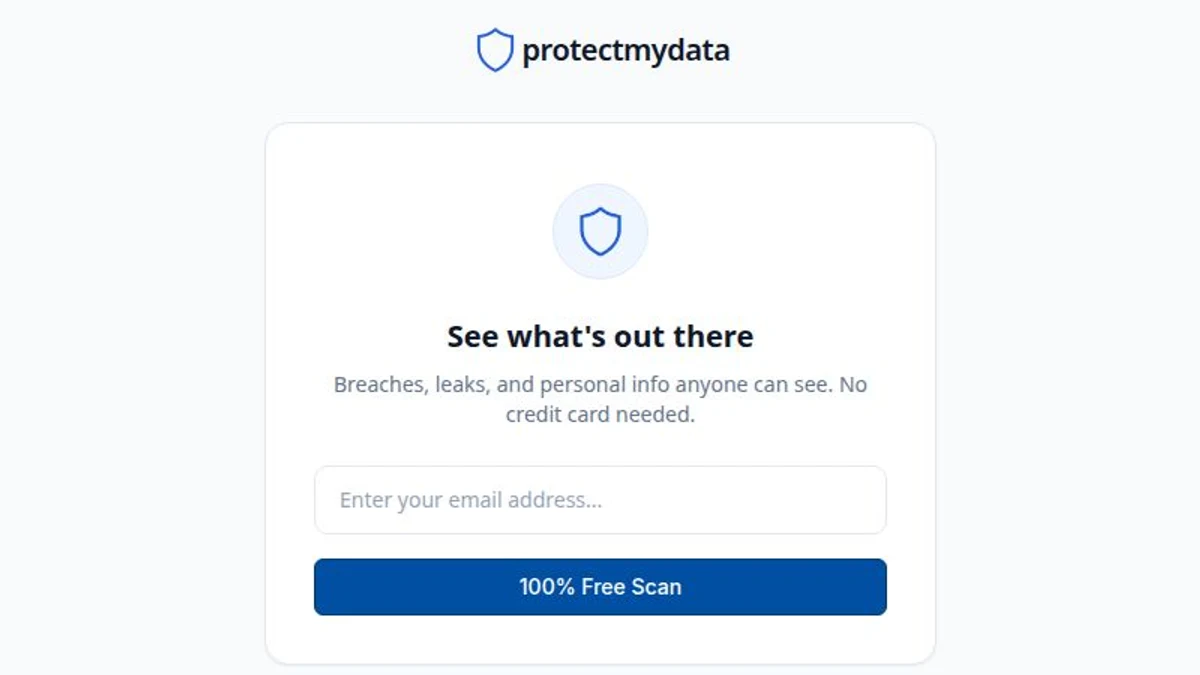
- Start with ProtectMyData's free Exposure Scan. Enter your email address, not your email password. No credit card is needed.
- Our scan checks breach and leak databases containing billions of records, bringing available breach matches, exposed data types and personal-record evidence into one report.
- Read the affected service, breach date and exposed data types. A listed address does not, by itself, prove your inbox was accessed.
- Replace exposed or reused passwords and enable supported multifactor authentication. A negative result does not establish that your information has never leaked.
What does an email breach result mean?
A breach checker searches the records available to that service for your address. A match means the address appears in a listed dataset. It does not necessarily mean your email provider was breached, that the event happened recently or that somebody can currently sign in to your inbox.
Look at the data types, not just the number of results. An exposed email address can enable targeted scams. An exposed password needs a different response. Read the description and incident date, and distinguish a confirmed match from an estimated exposure.
How to check your email safely
Use our free Exposure Scan as your starting point. It combines available breach and leak evidence rather than stopping at a single breach list, so you can review what was exposed and which accounts need attention.
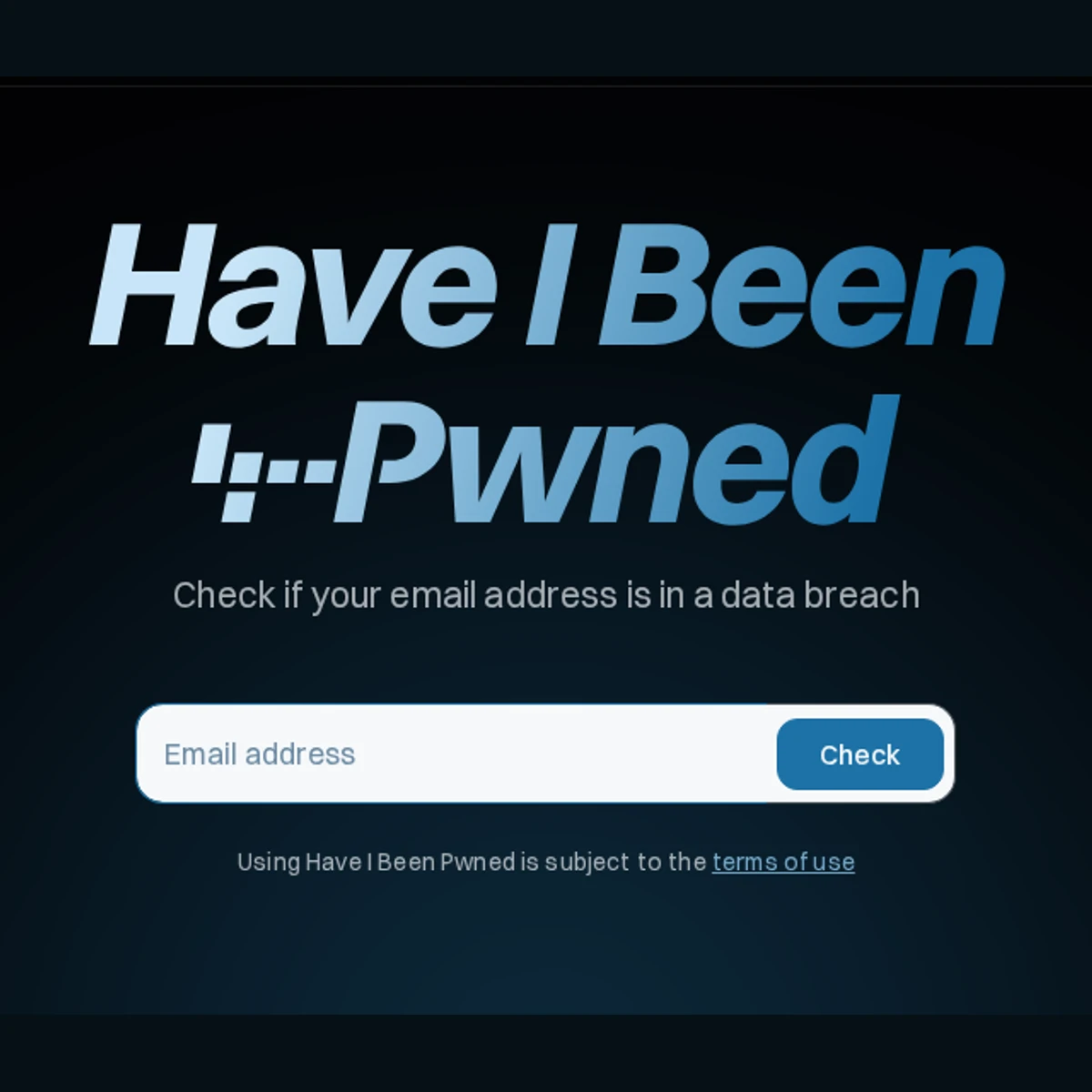
Have I Been Pwned is another reputable option for a standalone breach-history check. The NCSC recommends it, but that narrower check is not a complete picture of your online exposure.
- Open ProtectMyData's free Exposure Scan. Use the scan linked here or type protectmydata.com/exposure-check into your browser. Avoid an unexpected breach-message link or any site asking for your inbox password.
- Check an address you use. Enter the exact address used for your accounts. Check old addresses and aliases separately where relevant. Do not upload your contacts or somebody else's private records.
- Read each result. Note the named service, incident date, description and data types. A breach added today may describe an older event.
- Confirm the affected service's guidance. Open its official website or app independently. Follow its current security notice rather than an unsolicited reset or compensation offer.
What if your email is not found?
No match means the scan did not return a record for that search. No checker has every stolen record: undetected incidents, unavailable datasets and the address used for an account can limit what appears. A negative result is useful, but it is not proof that your information has never leaked.
Sensitive details may be restricted to a verified owner. A public scan is not a complete account-security audit. Follow a genuine breach notice or suspicious sign-in warning even if a search returns no match.
What to do if you find a match
Respond to the information involved. You do not need to panic or change every account solely because an email address appears in a historical record.
- Replace exposed passwords. Use a unique password for the affected service and replace any reused copies. Start with email if it shares that password.
- Review account security. Enable supported multifactor authentication or a passkey. Check recent sign-ins, recovery details and unfamiliar sessions through the genuine service.
- Watch for follow-up scams. A message that knows your name or an old password is not automatically genuine. Never share a one-time code or pay to have an alleged leak erased.
- Act on financial or identity exposure. Contact your bank promptly for suspicious transactions or disclosed payment details. Follow the issuing authority's advice for exposed identity documents.
What checking and removal tools can do
ProtectMyData's Exposure Scan brings available breach matches, leak records and exposed personal-information evidence together. Where evidence is available, it shows the affected services and data types so you can prioritise your next steps. Sensitive information is protected, not displayed as readable passwords.
The breach and leak databases checked by our scan contain billions of records. Database size is not the number of distinct people or the number of results for your address. Overlapping datasets cannot simply be added together to claim a larger unique total.
An email search is not a password search. Have I Been Pwned's email check does not return linked passwords; its separate password-checking tool answers a different question. Our scan never needs your inbox password. Reading this guide does not start a scan.
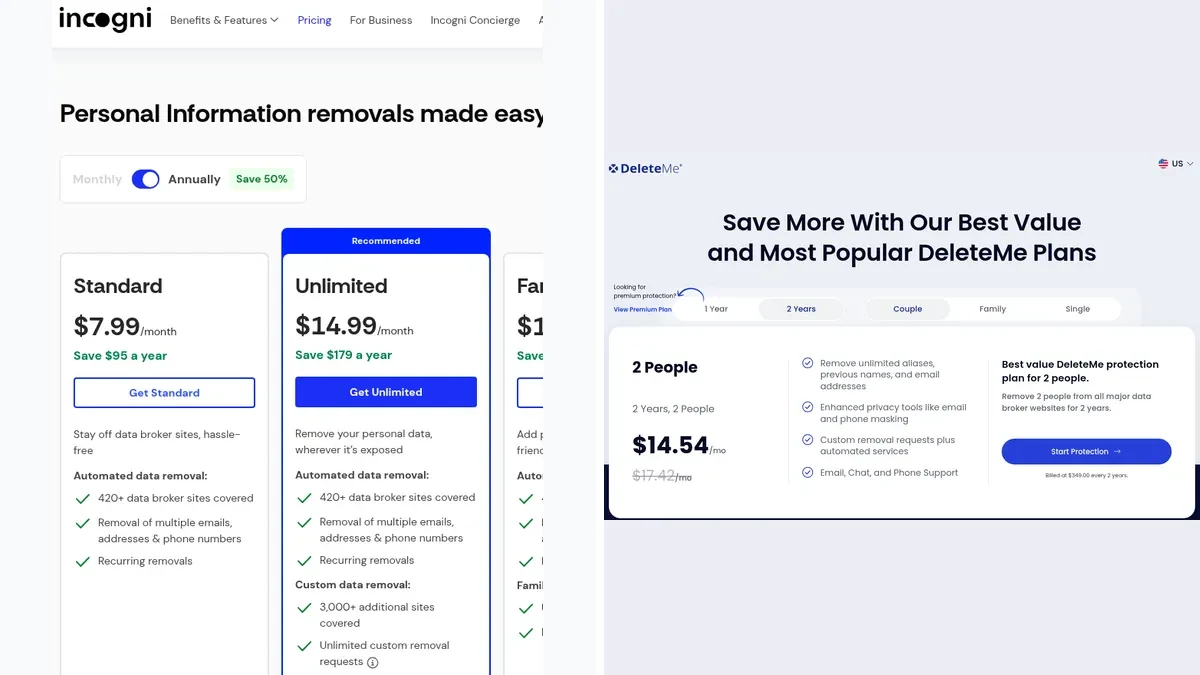
Breach alerts and broker removals serve different purposes. Removing a public listing can reduce public exposure, but it cannot erase stolen copies or reverse a historical breach. Changing a password secures future access; it does not remove the old breach entry.
Questions readers ask
Does a match mean my email account was hacked?
Not necessarily. Your address may have been exposed by another service. Check the affected organisation and data types, then review your inbox for unfamiliar activity if credentials or account access are a concern.
Can I check without giving my password?
Yes. ProtectMyData's free Exposure Scan starts with your email address, not your inbox password. No credit card is needed. Use the scan linked in this guide rather than an unsolicited message.
Why is a service I do not recognise listed?
A company may have acquired your data, changed its name or received an account created by someone else. Read the record before assuming you used the service or that the result is false.
Can I remove a breach entry after changing my password?
Changing a password protects future access but does not change the historical event or delete stolen copies. Removing a public listing and securing a compromised login are separate tasks.
Sources
- Frequently Asked QuestionsHave I Been Pwned, Checked 14 October 2026
- Data breaches: guidance for individuals and familiesUK National Cyber Security Centre, Checked 14 October 2026
- Product facts and capability boundariesProtectMyData, publisher of this guide, Checked 14 October 2026
Published 14 October 2026. Last updated 14 October 2026.