How to Opt Out of People Search Sites
Key takeaways
- Use the exact profile page to ensure the opt-out targets you rather than someone with a similar name.
- Find the site's current privacy request route through its own domain and follow its stated steps.
- Provide accurate but minimal verification details, and review the purpose of any identity-document request.
- Keep a private log of URLs, dates, confirmations, and later observations.
- Treat each site and duplicate listing as a separate request unless the publisher explicitly explains otherwise.
Your home address should not be a search result. Neither should your cell number, relatives, age, or past residences. Yet that is exactly what happens on data broker and directory websites, which is why more people are trying to opt out of people search sites before spam, scams, harassment, or worse become part of daily life.
If you have ever searched your own name and found a profile that feels far too personal, your reaction was probably immediate - take it down. That instinct is right. These sites make it easy for strangers, telemarketers, bad actors, and anyone with a few seconds to pull together a surprisingly detailed picture of your life. The problem is that removal is rarely one and done.
Why people search sites are a real privacy risk
People search sites collect and publish personal details from public records, marketing databases, commercial data brokers, and other scraped or shared sources. What shows up can include your current and previous addresses, phone numbers, email addresses, family members, age range, aliases, and property information.
That exposure creates more than annoyance. It can lead to targeted scam calls, phishing attempts, identity misuse, stalking concerns, workplace embarrassment, and pressure on families who simply want to stay private. For professionals, executives, healthcare workers, teachers, and public-facing individuals, the risk is even sharper because visibility makes them easier to contact, track, or harass.
Even if a listing looks incomplete or slightly wrong, it can still be useful to someone trying to piece together your identity. A partial address plus a relative's name plus an old phone number is often enough to connect the dots.
What it really means to opt out of people search sites
When you opt out of people search sites, you are usually asking each site to suppress or remove a profile tied to your identity. That sounds simple, but every company has its own process. Some ask you to search for your listing and submit a form. Others require email confirmation. Some want a copy of an ID with certain fields masked. Others make you repeat the process if the record is refreshed.
This is where many people hit a wall. The internet makes data exposure feel like one giant problem, but removals happen site by site, form by form, and policy by policy. There is no universal delete button.
The other issue is that people search sites are fed by a wider broker network. Remove your information from one source, and another source may repopulate it later. That is why a profile can disappear in March and reappear in June.
How to opt out of people search sites yourself
If you want to handle removals on your own, start by documenting where your data appears. Search your full name, your city and state, old phone numbers, and old addresses. Take screenshots or keep a simple record of which sites list you and what information they show.
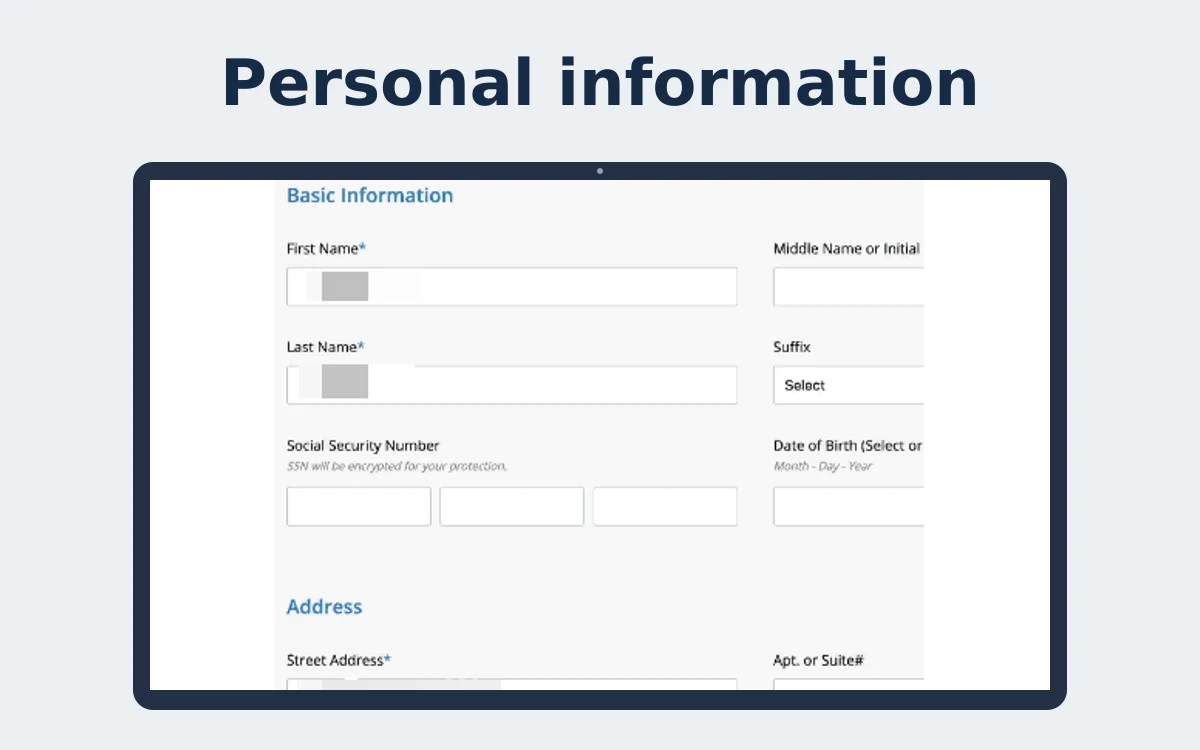
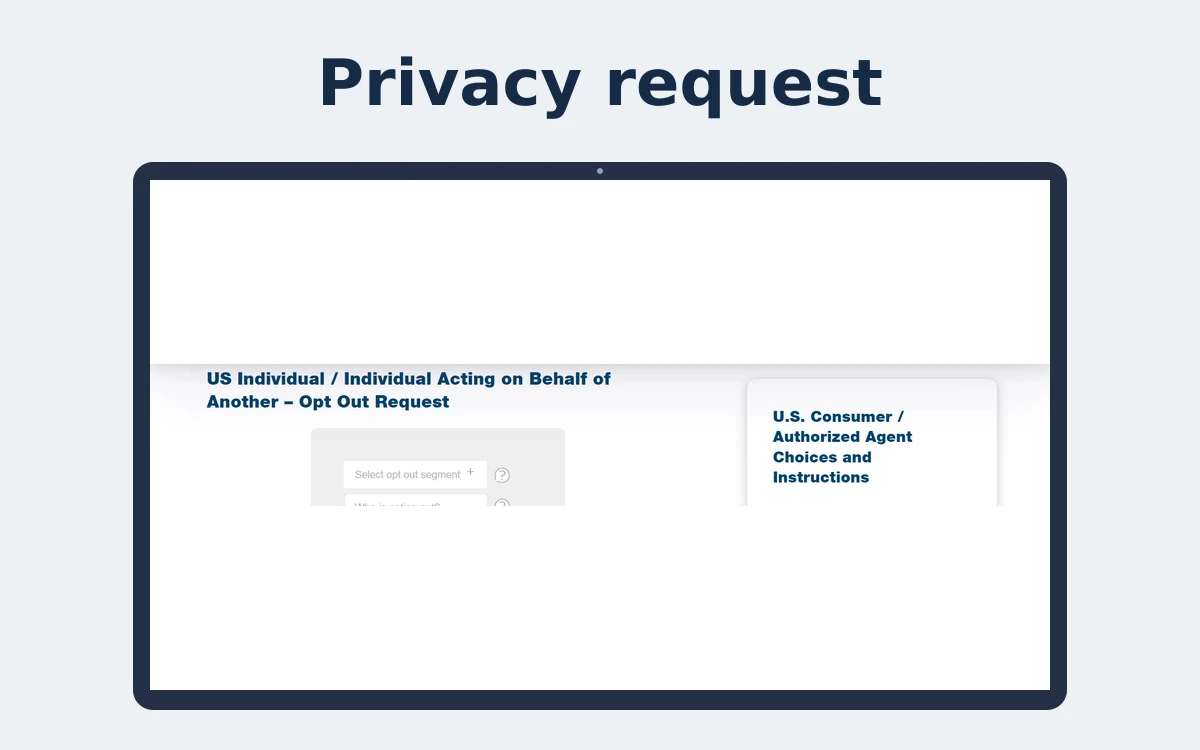
Next, go to each site's opt-out or privacy request page and follow the removal steps exactly. This usually means locating your profile, submitting the matching record, and confirming the request by email. If a site asks for identity verification, read carefully before sending anything. In many cases, you can mask sensitive fields on an ID rather than sending a fully exposed document.
After that, track what was removed and when. This matters because some sites process requests quickly, while others take days or weeks. Some suppress only the public-facing listing. Others may retain internal records even after removal from search results.
Then comes the part most people do not expect: checking back. A successful opt-out today does not guarantee lasting privacy. If the same site ingests updated data from a broker, county file, marketing partner, or another aggregator, your listing can return.
Why DIY opt-outs often fall short
The biggest challenge is scale. There are hundreds of data brokers and people search sites, and many consumers only know the largest names. Smaller sites matter too, especially because data often moves across networks you never see.
The second challenge is time. Manual removals are repetitive, fragmented, and easy to lose track of. A few requests may feel manageable, but dozens of sites with different forms, timelines, and verification rules quickly turn into a project you have to manage indefinitely.
The third challenge is persistence. Opt-outs are not always permanent. That is not a scare tactic. It is simply how the ecosystem works. New records are created. Old records are refreshed. Duplicate profiles appear. Data is bought, sold, shared, and republished.
So yes, you can do some removals yourself. But whether that is enough depends on your risk level, your time, and how much ongoing exposure you are willing to monitor.
When a managed service makes more sense
If your concern is basic cleanup, DIY may be a reasonable first step. If your concern is safety, convenience, or long-term control, a managed privacy service is usually the stronger answer.
That is especially true if you have children, a public-facing job, an elderly parent whose information is exposed, or any history of harassment, identity theft concerns, or unwanted contact. In those cases, privacy is not just a housekeeping task. It is active risk reduction.
A service like Protect My Data is built for that reality. Instead of treating opt-outs as a one-time checklist, it focuses on continuous monitoring and repeat removals across a broad network of brokers. That ongoing work matters because suppression has to be maintained, not just requested once.
The difference is practical. You are not left chasing reappearing listings, figuring out which brokers republished your information, or spending your weekends filling out opt-out forms. The job gets handled as an ongoing discipline.
What to look for if you want lasting results
Not all privacy help is equal. Some tools simply point you to forms and leave the rest to you. Others submit a request once and stop there. If your goal is real reduction in public exposure, look for a service built around continued scanning, opt-out execution, and maintenance over time.
That maintenance piece is where lasting value lives. A removal service should not just react to known listings. It should watch for resurfacing records, track a wide broker network, and continue suppressing data before it spreads further.
It also helps to be realistic about what any service can and cannot do. Certain government records, court filings, and legally required public information may not be removable in the same way as broker listings. Privacy protection is often about reducing broad exposure, limiting easy access, and making your information much harder to find casually or exploit quickly.
Common mistakes people make during opt-outs
One common mistake is stopping after removing data from only a few well-known sites. That can create a false sense of security while dozens of lesser-known brokers still publish the same information.
Another is using a primary email address or phone number for every request without thinking through the trade-off. Sometimes it is smarter to use a dedicated email account for privacy requests so those interactions stay separate.
People also forget to save proof of what they submitted. If a profile returns, your earlier request history can help you identify patterns and speed up follow-up action.
And some users share too much during verification. If a site asks for identity confirmation, provide only what is necessary and redact anything not required. Privacy work should not create more exposure than it resolves.
The real goal is control
Trying to opt out of people search sites is not about hiding. It is about control. Most people are not asking for secrecy. They are asking for basic boundaries - the right not to have a stranger pull up their address, relatives, and phone number in seconds.
That is a reasonable expectation. The internet made personal data easy to collect, package, and sell. Taking it back requires a more deliberate response. Sometimes that means rolling up your sleeves and submitting requests yourself. More often, it means recognizing that privacy is ongoing work and choosing a partner that handles it with the urgency it deserves.
If your information is already out there, waiting rarely helps. The strongest move is to act now, reduce what is visible, and keep pressure on the systems that keep putting it back.
How do you identify the right people-search profile?
Search your full name with current and former locations, then compare the profile details against information that uniquely identifies you. A common name can produce multiple people, and selecting a similar profile may affect someone else while leaving your own information exposed. Save the direct URL and note which fields are visible before beginning.
Use a private tracker rather than a shared document. The list itself can reveal your address, relatives, or phone number, so protect it as sensitive information.
- Verify profile details before submitting a suppression request.
- Do not assume one profile page represents every product on that site.
How should you complete a site's opt-out?
Navigate to the publisher's official website and find its privacy, opt-out, or suppression instructions. Follow the current process for the exact profile. Some publishers use email verification; others may request additional information. The site's explanation governs that site's process, so do not rely on an old third-party walkthrough if the official page has changed.
Only provide details reasonably required for matching and verification. If a document is requested, verify the website and why it is needed; consider whether unnecessary fields can be redacted. Avoid sending sensitive data through a contact address from an unsolicited message.
How do you verify an opt-out?
Retain the submission confirmation and any reference number. After the site's stated processing procedure, revisit the direct profile URL and search again for a duplicate. A publisher may explain that suppression affects a specific record but not separate reports or underlying source information. Keep that limit clear in your notes.
If no status is available, use the publisher's own privacy contact route and provide the date and profile URL. Do not treat a general response as proof that every record linked to your name has been addressed.
What should you do when the listing returns?
Check whether the URL and profile are the same record or a newly assembled listing. Submit a fresh request if the current process calls for one, then note what changed. Information may be refreshed or copied from another source; a previous confirmation does not establish control over future or separate profiles.
At a glance
| Log field | Why keep it | Privacy care |
|---|---|---|
| Publisher and profile URL | Identifies the exact record | Store privately |
| Submission date and reference | Supports follow-up | Do not post publicly |
| Verification provided | Shows the steps completed | Avoid retaining ID copies unnecessarily |
| Later observation | Distinguishes suppressed from returned | Record date and visible fields |
People-search opt-out steps
Search your name and location and identify the exact matching profile.
Open the publisher's own domain and locate its current opt-out process.
Read requested fields and verification purpose before disclosing information.
Submit the request and complete the publisher's confirmation steps.
Save the confirmation and check the same profile after the stated process.
Repeat separately for duplicates and use the official contact route for unresolved requests.
A careful broker opt-out
Accuracy at the identity-matching step reduces mistaken requests and makes later verification possible.
- Find profile
- Confirm it is yours
- Submit through official route
- Complete verification
- Revisit URL and log result
Frequently asked questions
Is an opt-out free?
Some publishers offer a free process, but check the site's current official instructions and avoid assuming every service is free.
Can I use one request for every people-search site?
Usually not; independent publishers generally have their own procedures and records.
Should I trust a removal link in an unexpected email?
No. Navigate to the publisher's official domain yourself before entering personal information.
Sources
Related privacy guides
- Optional: check exposed information linked to your email
This email exposure scan does not verify which broker sites list your phone number or home address. For a known listing, use that publisher's official removal process.
- review supported people-search sites
Compare your profile publishers with the supported-site list.
- see how managed requests are handled
Learn what a managed request can cover if keeping each opt-out updated is difficult.
- compare ongoing removal plans
Consider recurring help only after checking its stated coverage and terms.
About the author
Investigations & Data Privacy. Jonah covers data-broker practices, the circulation of personal information, and practical ways people can understand and reduce their online exposure.